Your cloud is full.
Your drives are
sitting empty.
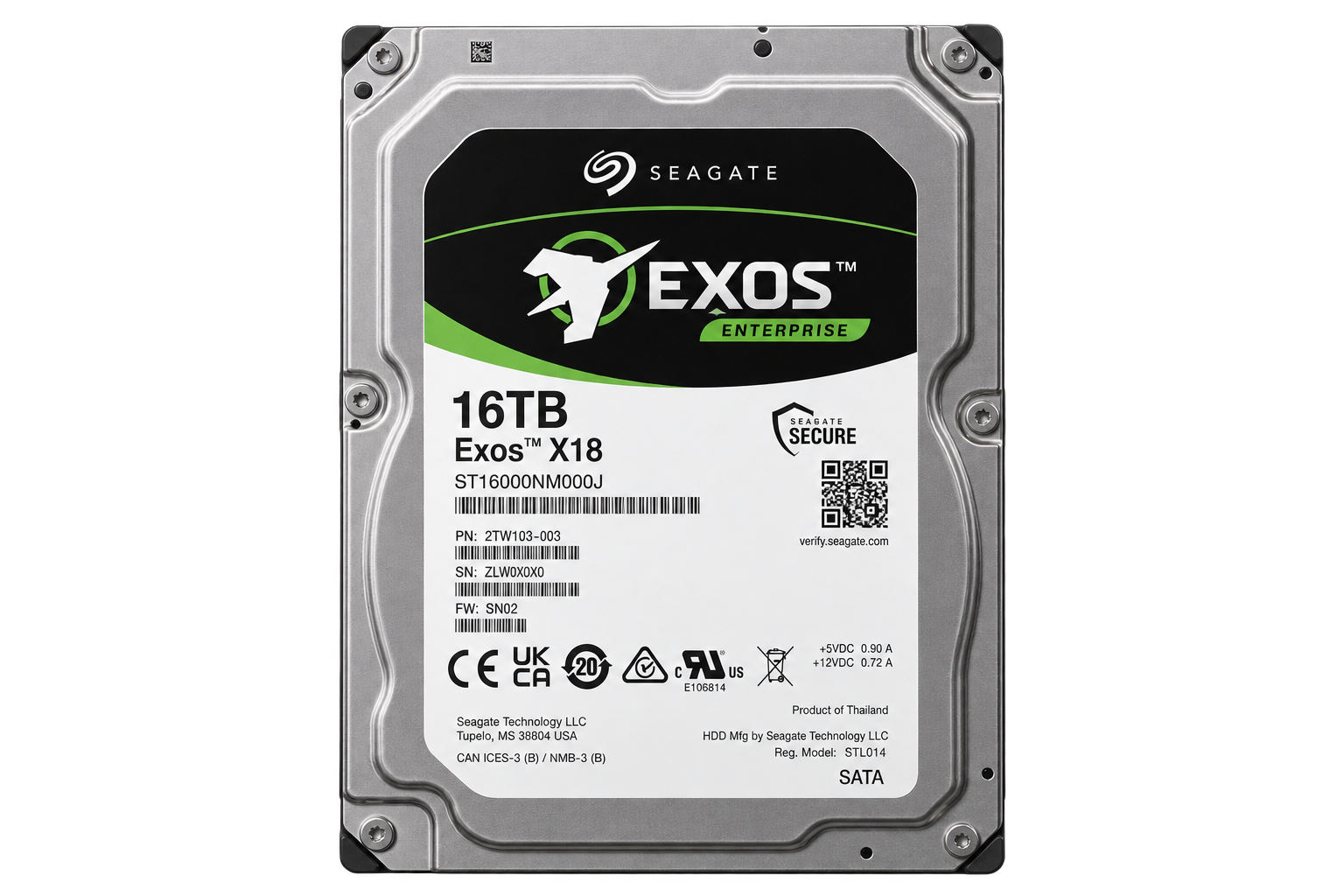
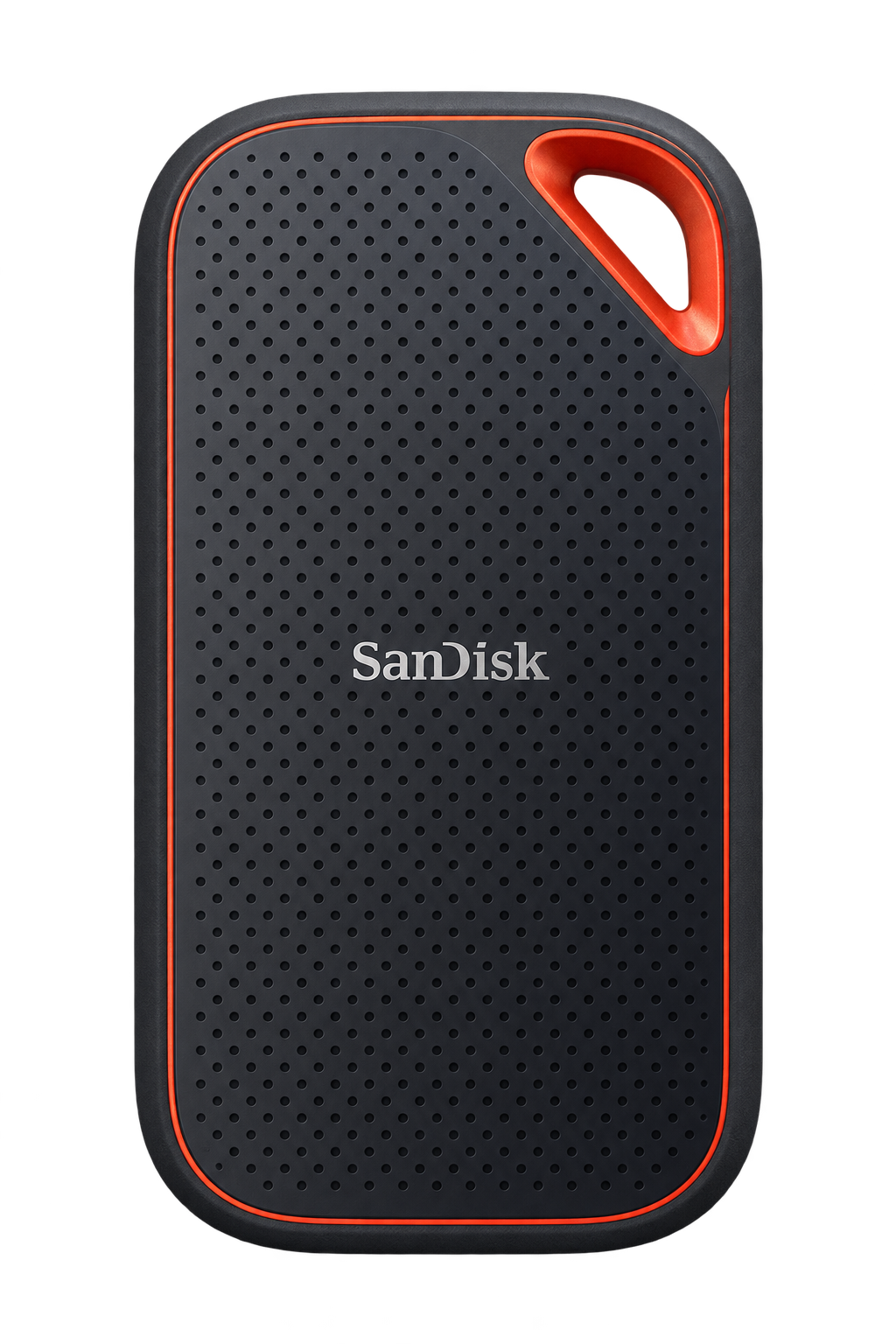
You already have storage spread across external drives, computers, NAS devices, and other hardware. Atom Files puts it back to work.
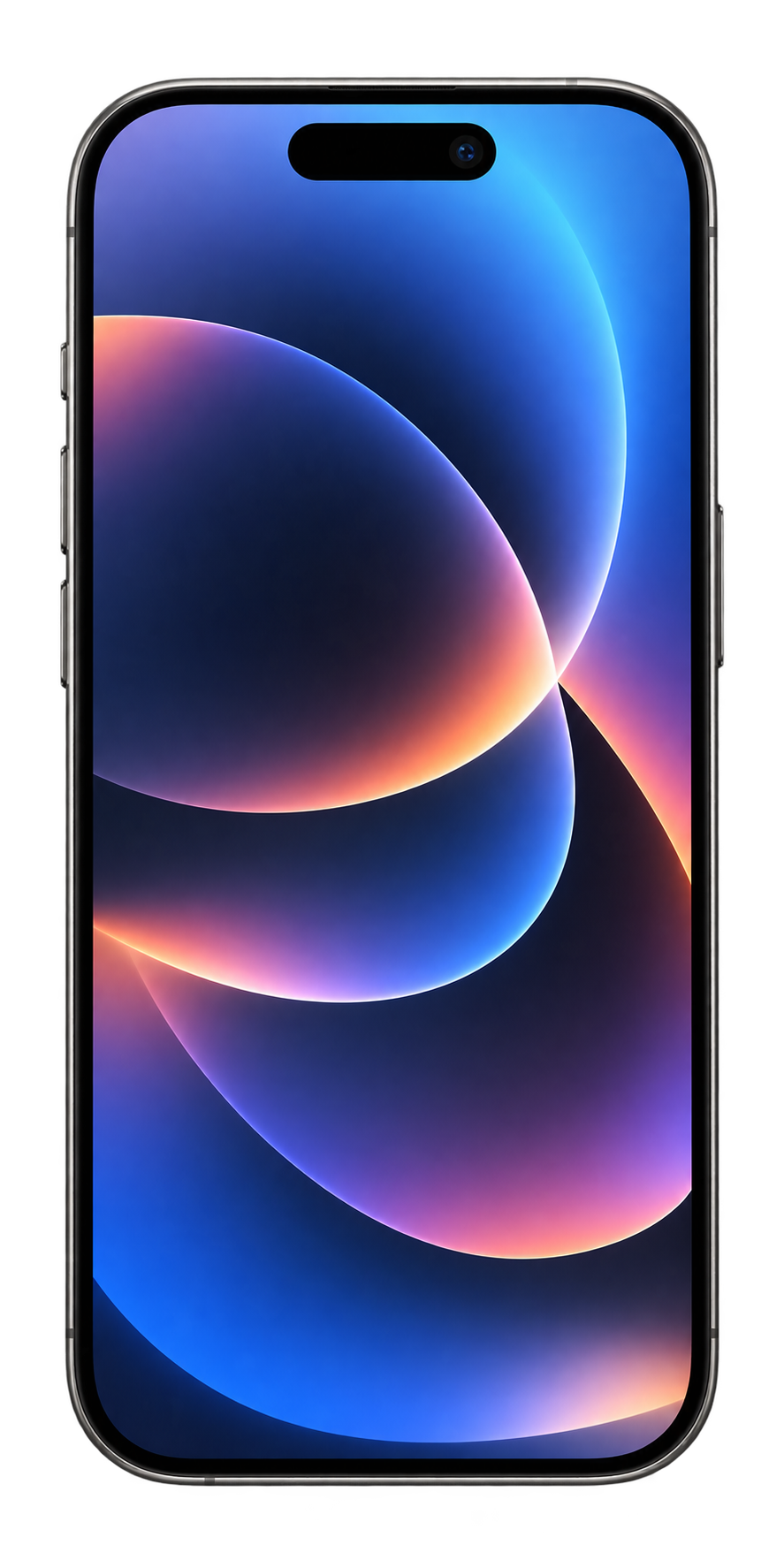
Plug in the drives you already have and turn them into part of one fluid storage system — accessible from your Mac and iPhone without constantly deciding what needs to live where.
Add storage by plugging in a drive, not upgrading your cloud plan.
Beta opens October 21.
Files haven't changed.
Everything around them has.
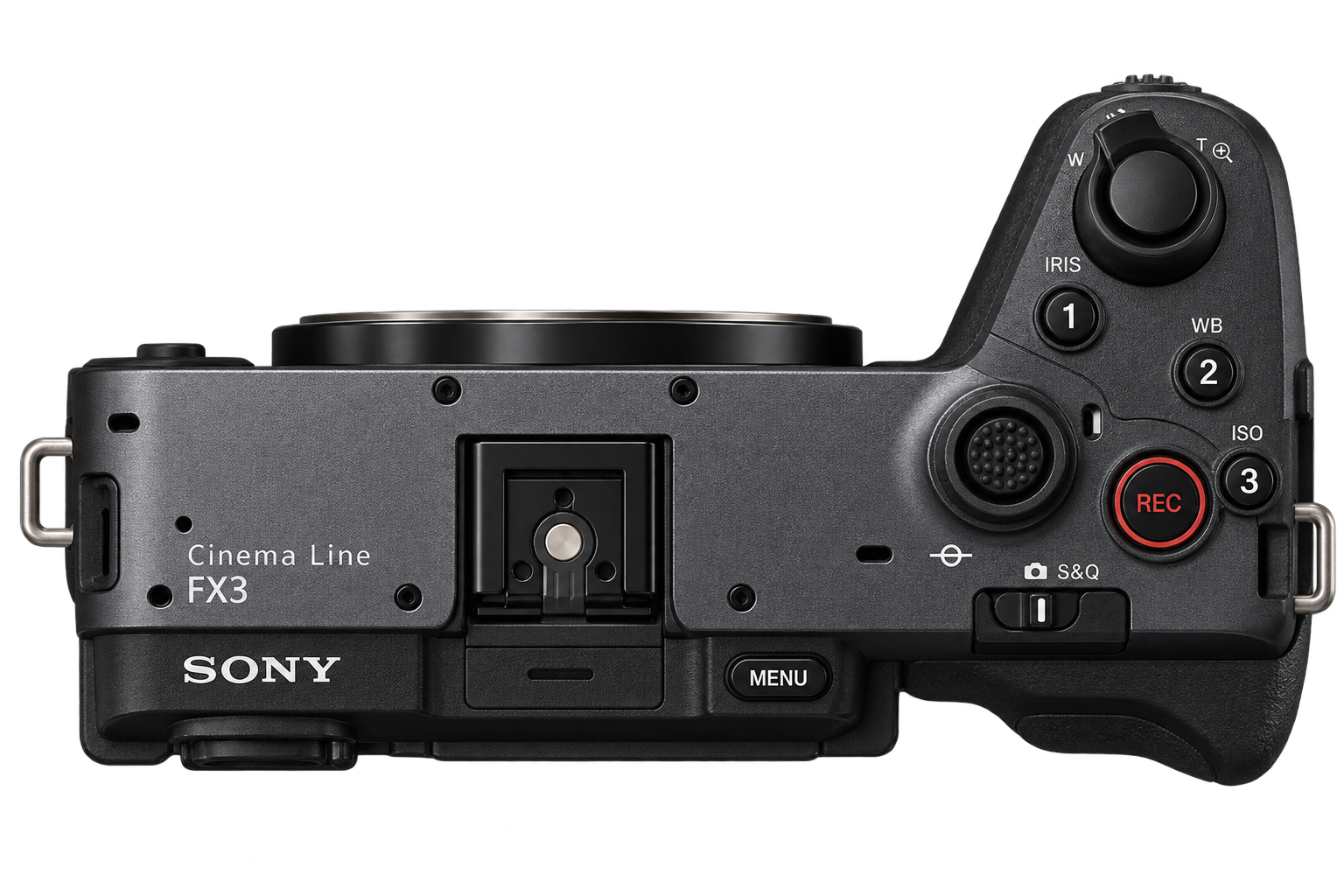
We work across phones, laptops, desktops, external drives, NAS, cloud storage and other people. But before we can work, we're still copying, uploading, downloading and syncing files between them. Large files make this worse. Atom Files removes that step.
Today
Atom Files
Storage trade-offs for a
Work fast locally, then share without hunting for files. Fast work files and shared business documents live in different places.
A single view across work and shared documents. Local speed versus team-wide access.
Spent on storage / yr
CA$650
for 7 TB across their setup
Time on storage work / yr
35 hrs
moving, backing up, and finding files
Don't download 500 GB to use 13.93 GB.
Atom Files streams the parts of a file you need first and moves the rest intelligently in the background. Open large files. Scrub video. Start editing. Atom Files handles the transfer.
Use less space. Access files faster.
Atom Files loads only the part you need.
Traditional transfer
0 B
Atom Files
355.56 MB
Scrub to 00:00:00:00 — download 355.56 MB, not 0 B.
Sometimes you only need an atom.
Share files that haven't been uploaded.
How sharing works
No duplicate upload. The recipient gets access when needed.
01 · Keep it local
Your file stays on your Mac, NAS, or external drive.
02 · Share access
Atom Files shares a path to the file, not a duplicate upload.
03 · Retrieve on demand
The editor gets the data directly when it is needed.
A file can live anywhere you already keep it and still be shared. Atom Files automatically finds an available source and retrieves only what the recipient needs.
Made for files that are too big to think about.
When files become hundreds of gigabytes or entire libraries become tens of terabytes, traditional upload-and-download workflows stop making sense. Atom Files treats storage as infrastructure and lets you focus on the work.
Works with the tools you already use
Stop moving files.
Let the files move for you.
One intelligent filesystem across the devices, drives, clouds and people you already use.
Beta opens October 21